A tiny pixel crab that lives on your Mac, and quietly gets useful.
I've built Clawd, a free, open-source desktop companion for macOS. He's a little pixel crab who wanders along the bottom of your screen, says silly things, and can be dragged up into the menu bar to live there.
He started as a fun idea, the mascot from Claude Code living on my own screen, and kept growing into something with real jobs to do.
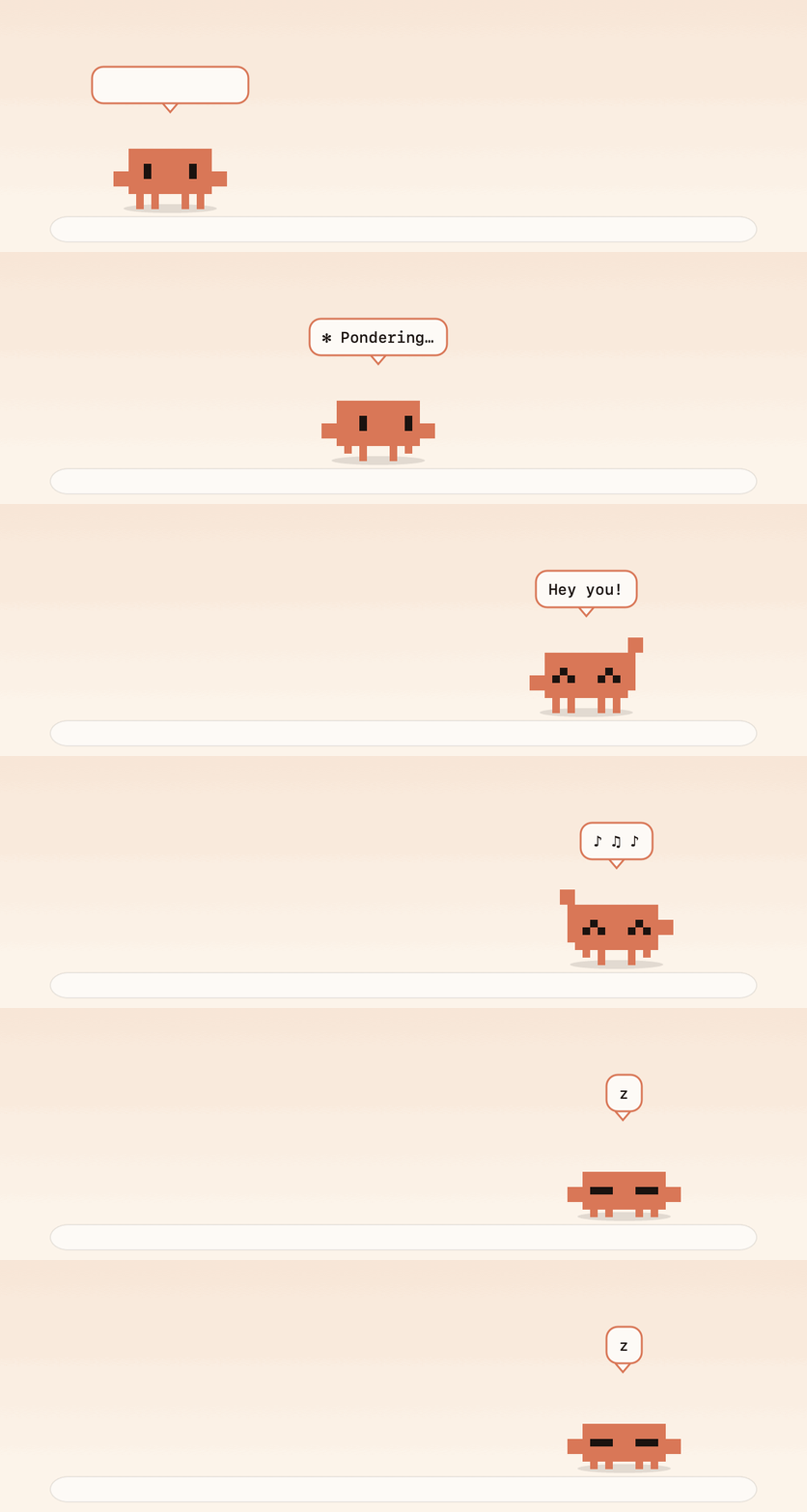
Clawd is built by me, developed with TIZZLE and owned by Crooli. He's an independent fan project inspired by the Claude Code mascot, and he isn't affiliated with Anthropic.
The idea
Most desktop pets are just that: a sprite that walks around and does nothing else.
I wanted one that earns its place on the screen. It should be small, charming and out of the way, but also able to tell you when something needs your attention and take small jobs off your hands.
So Clawd is drawn from nothing but filled rectangles. The same drawing code makes his sprite, his menu bar icon, his timer face and the animations on his website, and everything else is built around that.
He lives in your menu bar
Drag Clawd up to the menu bar and let go, and he shrinks into a status icon that blinks, walks in place and pops up short phrases. Drag him back out to carry him down to your desktop, or click him for his menu. Reminders and alerts show up as a small bubble under his icon, so he stays put.
He's notch-aware too. macOS quietly drops menu bar icons when there isn't room for them, so Clawd checks that his icon is really visible and, if not, hops back out and tells you to make some space.
He turns into a timer
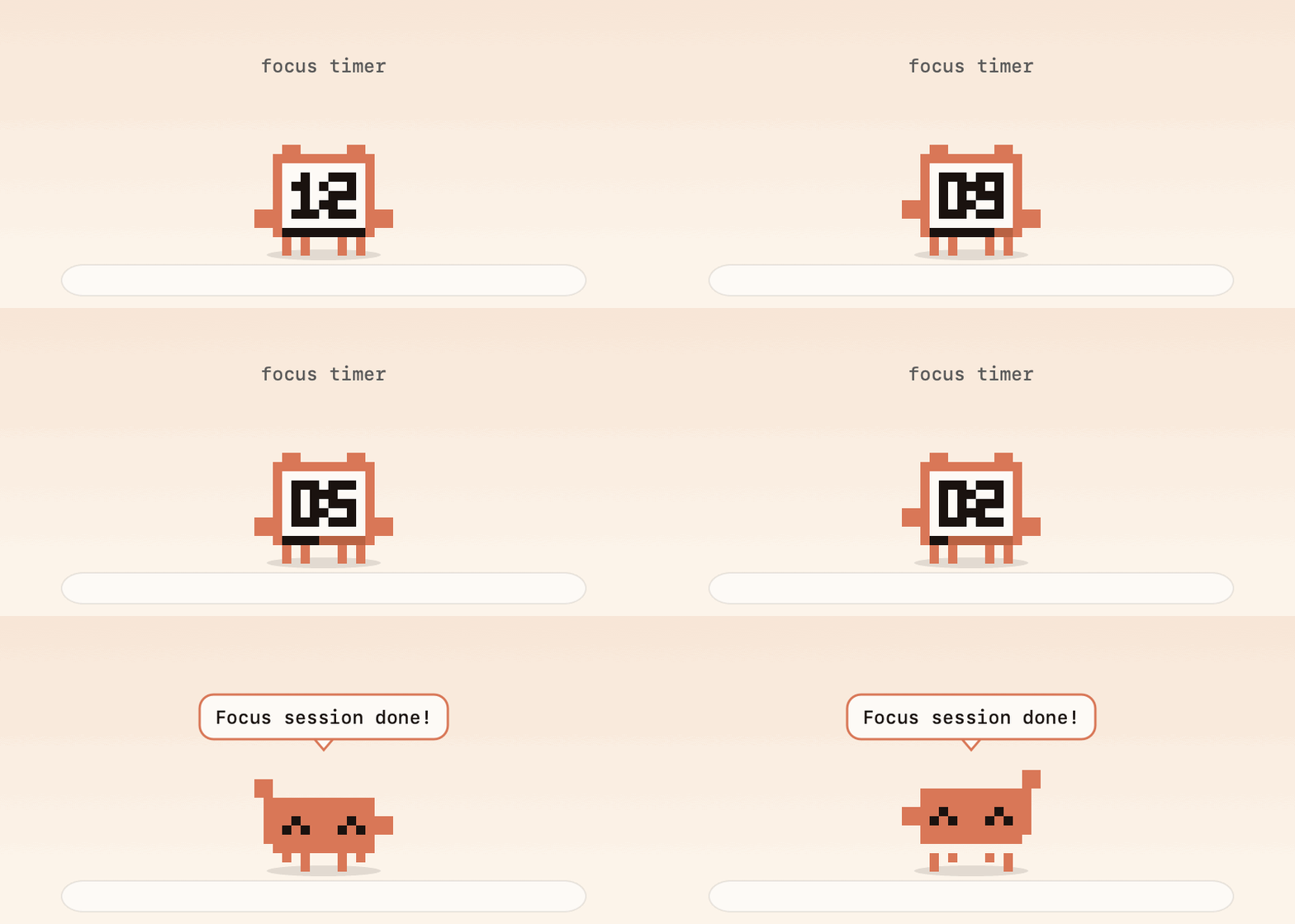
Start a focus session or a break and Clawd becomes a tiny alarm clock, with a pixel LCD, a draining progress bar and a little bell on top. The same face sits in your menu bar with the countdown beside it, and when time's up a little bubble appears under his icon.
Drop things on him
Drag any file over Clawd and a tray of targets appears. You can hold it on a shelf, convert images to PNG or JPG, shrink them, zip files together, copy a path or send something to the Trash.
The shelf never moves your files. It just remembers where they are, so you can drag them back out wherever you like.
He tidies folders
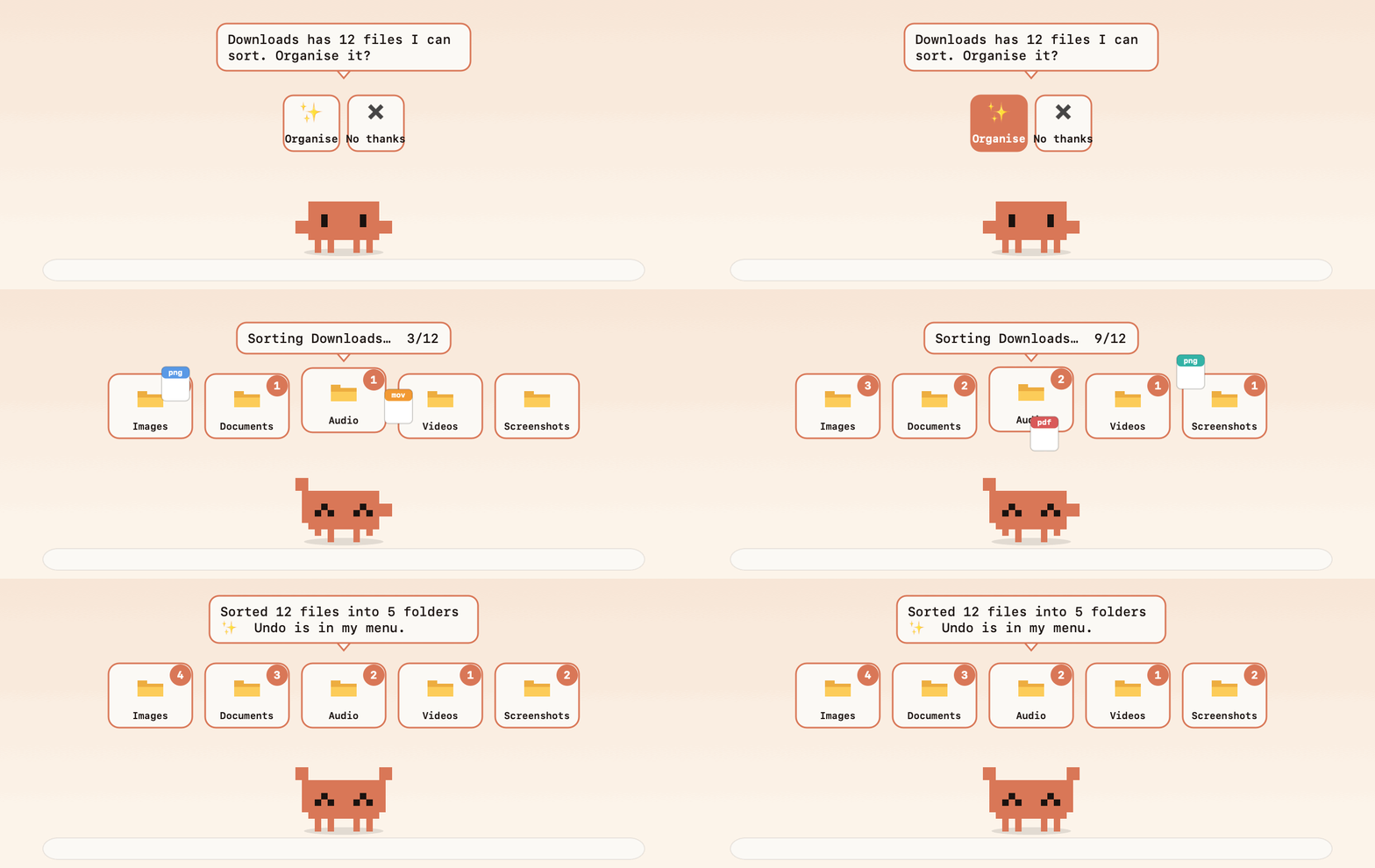
Drop Clawd onto a Finder window and click Organise. He tosses every loose file into the right bin (images, documents, audio, video, installers, screenshots and so on) while the counts climb.
I was careful with this one, because moving people's files around is not something to get wrong:
- He only touches loose files at the top level of the folder you pick
- Subfolders, apps, hidden files and half-downloaded files are left alone
- He refuses code projects, your home folder and system folders
- Nothing is ever deleted, and Undo last organise puts every file back
A Claude Code companion
Clawd watches for a busy claude process, so he can tell you when a long run has finished.
There's also an optional hook that you install with one click (it backs up your settings first). With it, he waves and bounces when Claude Code is waiting for your permission or input, even while he's tucked away in the menu bar.
Small tools for developers
- A GitHub dashboard hangs off Clawd with your recent repos, CI status, open PRs and the reviews waiting for you. It uses the
ghCLI, so there's no token to paste. - A Git buddy keeps an eye on your local repos and nudges you about uncommitted work.
- A port watcher tells you when your dev server goes down.
Little shortcuts
There's a handful of everyday tools behind keyboard shortcuts:
- Screenshot to text: drag a box around anything and the text lands on your clipboard (it runs on-device)
- Colour picker, a calculator that converts units and currency, a password generator and quick notes
- Drop a YouTube or Spotify link on him to save it as an MP3 or MP4, using the open-source
yt-dlp(only grab things you have the right to keep)
And he's a toy
Clawd dresses for the weather, wears a nightcap after dark, climbs onto your windows, and every so often does something strange, like building a tiny fort on top of a window or peeking at you from the edge of the screen. Every sound he makes is a soft 8-bit blip that you can mute.
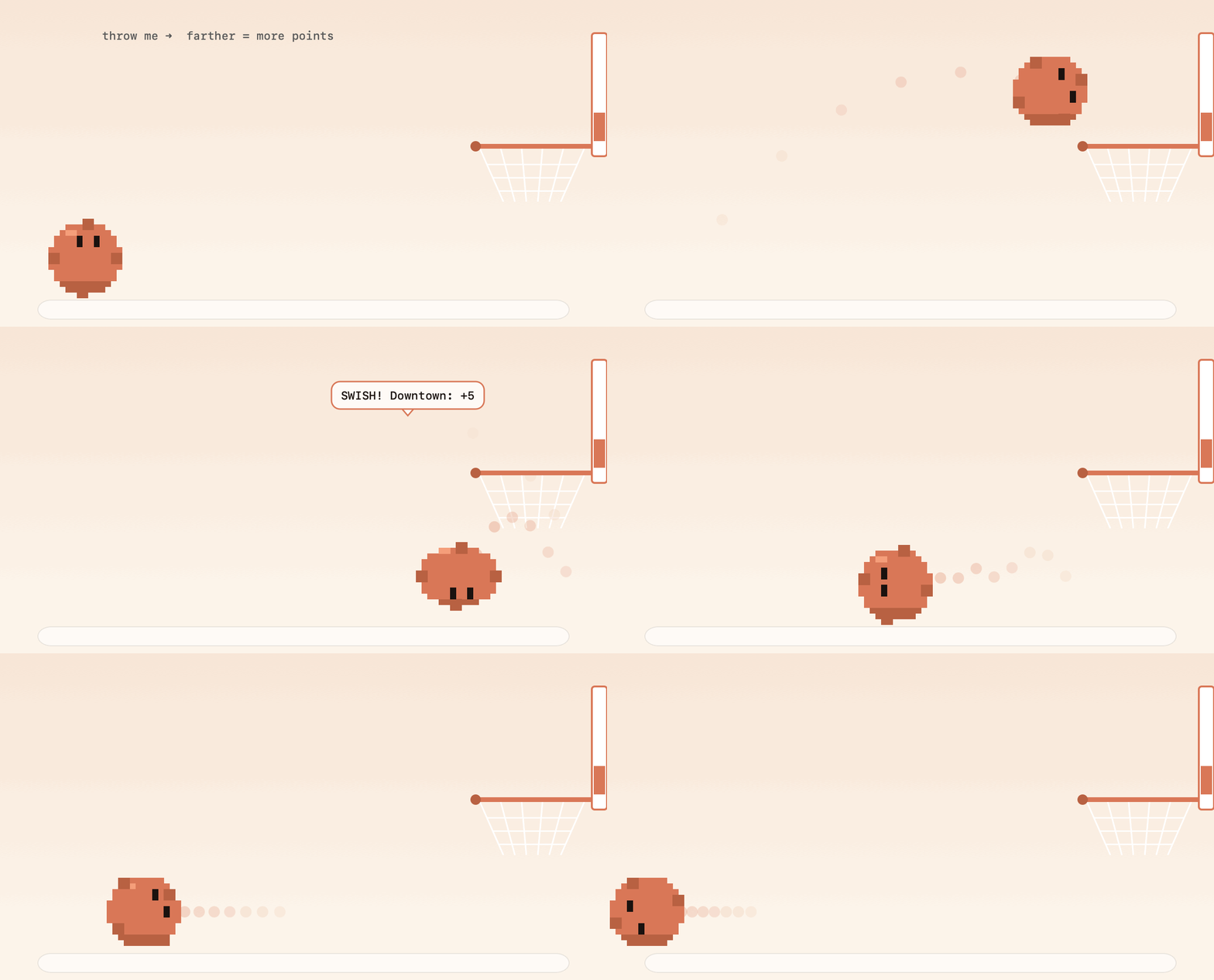
He has a few games too: Token Catch, Flappy Clawd, a physics ball you can throw around your screen plus a basketball game where farther shots score more.
Getting him
Clawd is free and open source under the MIT licence, and works on macOS 14 or later.
The easiest way to avoid macOS's security warning is to build him yourself. It takes four commands and no Xcode project:
git clone https://github.com/xandertaylorx/clawd-buddy.git
cd clawd-buddy
./build.sh
open build/Clawd.app
If you'd rather just download him, there's a ready-to-run build on the releases page. It isn't notarised yet, so macOS will ask you to right-click and choose Open the first time. After that he can update himself from his own menu.
The code is on GitHub. If you try him, I'd love to hear what works, what doesn't and what you'd like him to do next.
Clawd is built by me, developed with TIZZLE and owned by Crooli. You can find more of my work at xandertaylor.org.